

Affinity Designer 模板指南
本指南介绍如何使用 Lucide 的 Affinity Designer 模板
工作流程
Affinity Designer 默认使用点作为描边单位。在绘制之前,将描边更改为像素。打开
Preferences > User Interface,然后在Decimal Places for Unit Types下取消选中Show Lines in points
下载并打开 Affinity Designer 模板
在设计图标时遵循设计语言
使用
File > Export将文件导出为 SVG。将栅格化设置为 Nothing,选中 Export text as curves、Use hex colors 和 Flatten transforms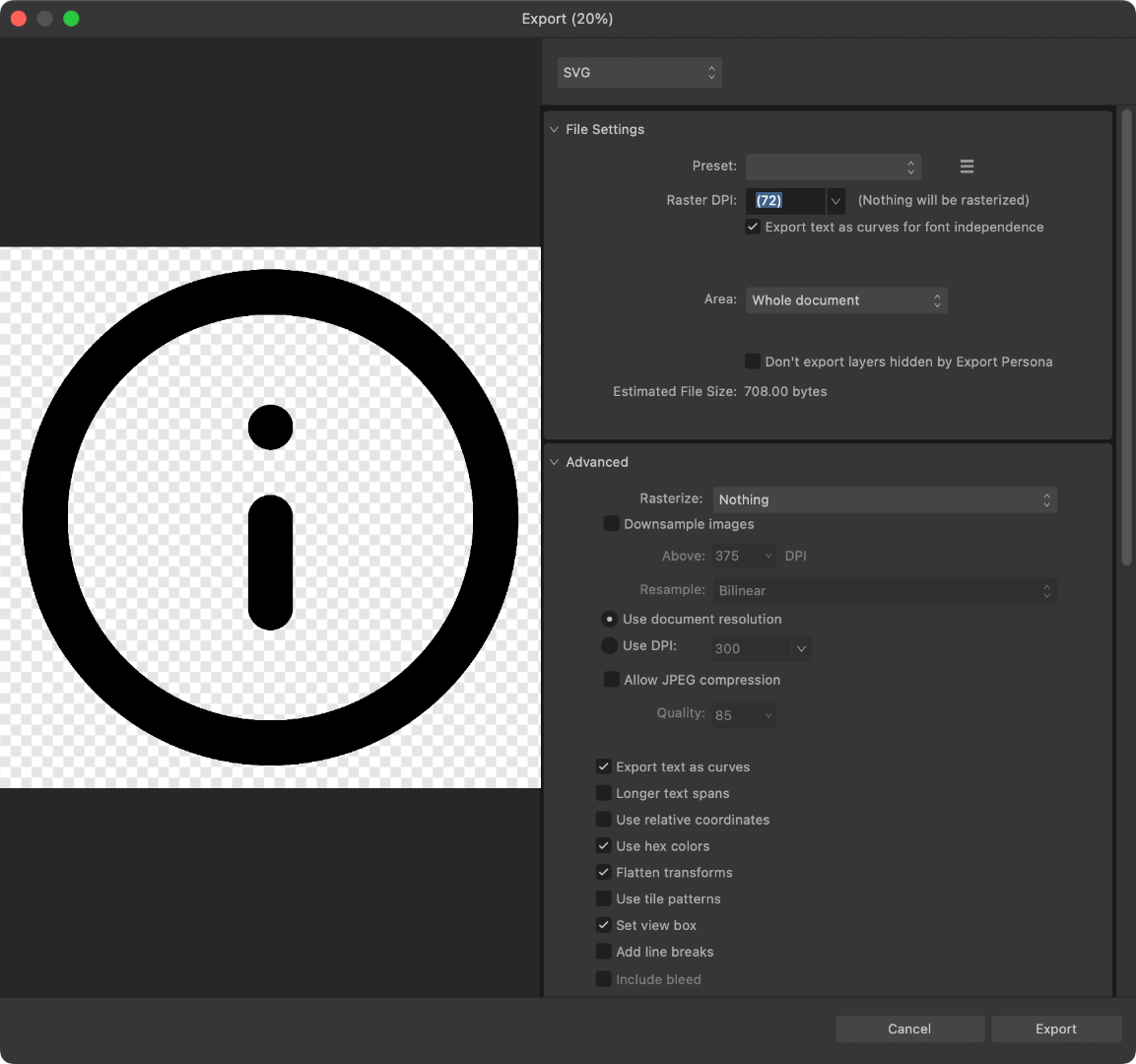
使用 Lucide Studio 优化导出的 SVG [assistant to=developer? nope]